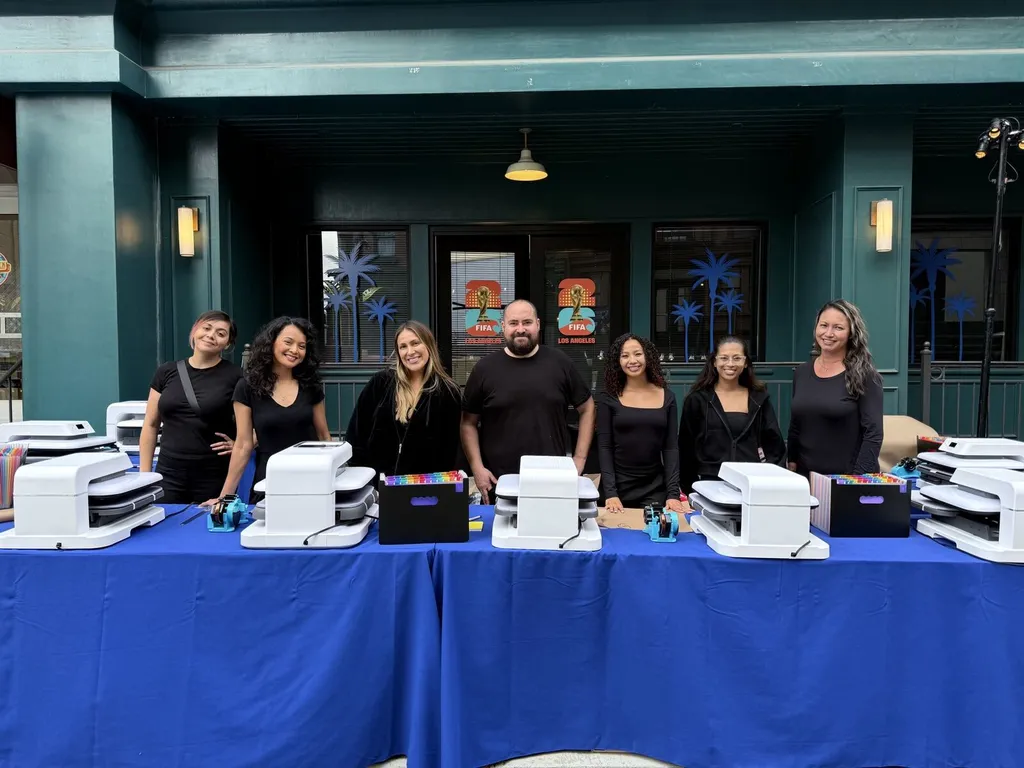
Full color without an on-site print queue
The artwork is printed onto transfer film in advance. At the event, the crew positions and applies the approved transfer with a heat press. Guests see their chosen graphic become part of the garment. This distinction matters for planning: a large menu still needs artwork approval and enough transfers prepared before doors open.
Match the transfer to the actual garment
Fabric composition, surface finish, color and heat sensitivity affect compatibility. Select the blank before approving the decoration, and review a sample when the item or application is unfamiliar. Do not assume that a transfer approved for a cotton shirt will behave identically on every jacket, performance fabric or coated bag.
Make choice easy at the counter
Show a physical sample of each design and use short names or numbers for ordering. Separate the decision point from the heat press so a guest comparing graphics does not hold up application. Confirm placement before pressing. If the activation offers multiple designs, stock transfers according to expected demand and decide what happens when a popular option runs low.
Plan for customization before arrival
An existing transfer menu and individual guest names are different workflows. If you want names, changing artwork or a special placement, include that in the brief rather than assuming it is part of a standard DTF station. We review the production requirements and can recommend an appropriate personalization format.
Bring this to your brief
- Final artwork and intended print size
- Approved blank and fabric details
- Number of design choices
- Estimated demand for each choice
- Whether individual names or numbers are required